

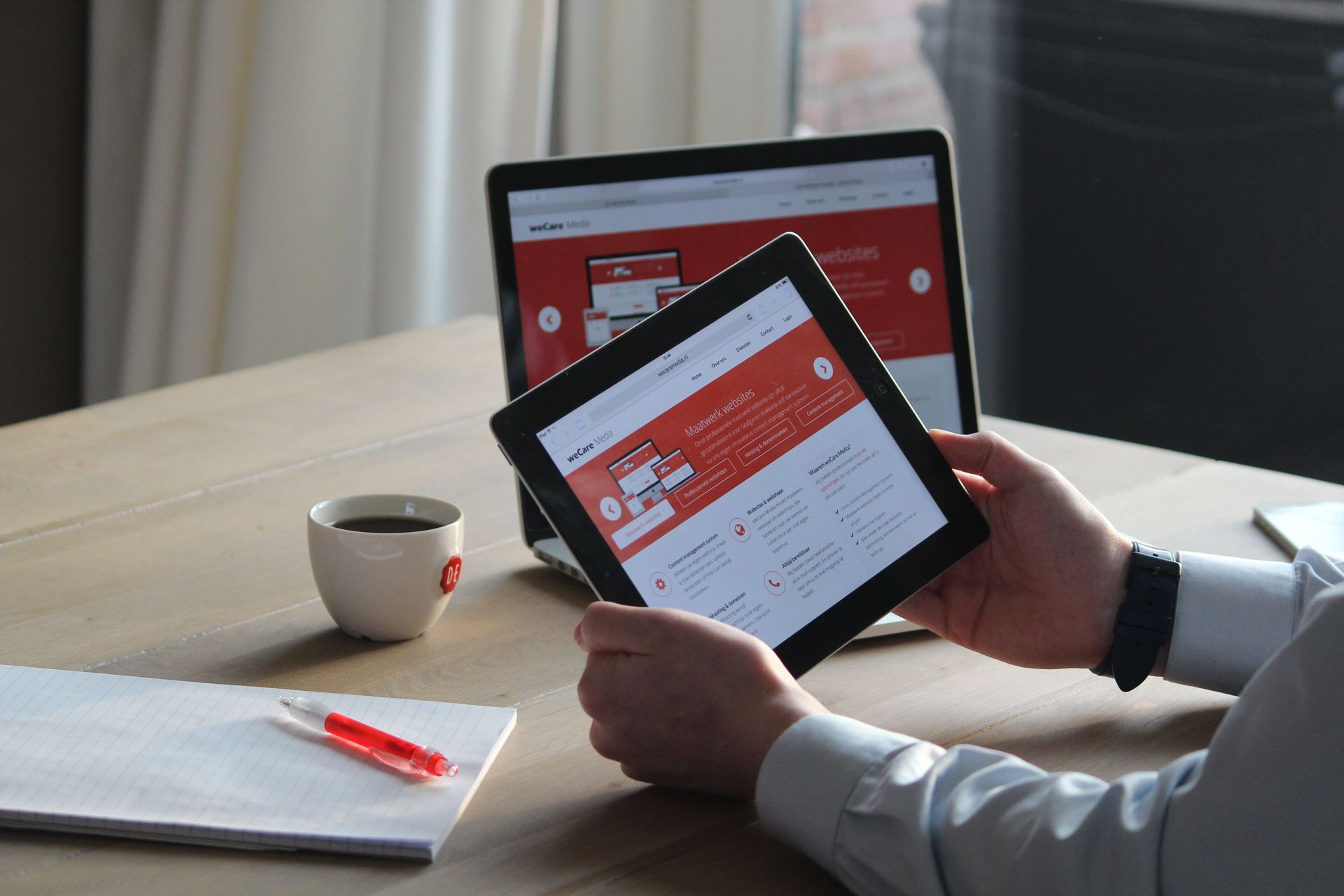
Some web companies build in-house, some use freelancers or a team abroad. How to find out which you are buying, and the three questions to ask first.

Is Shopify's Facebook & Instagram app accurate?

Why isn't my website showing up on Google at all?

What happens to my website if I leave my agency?
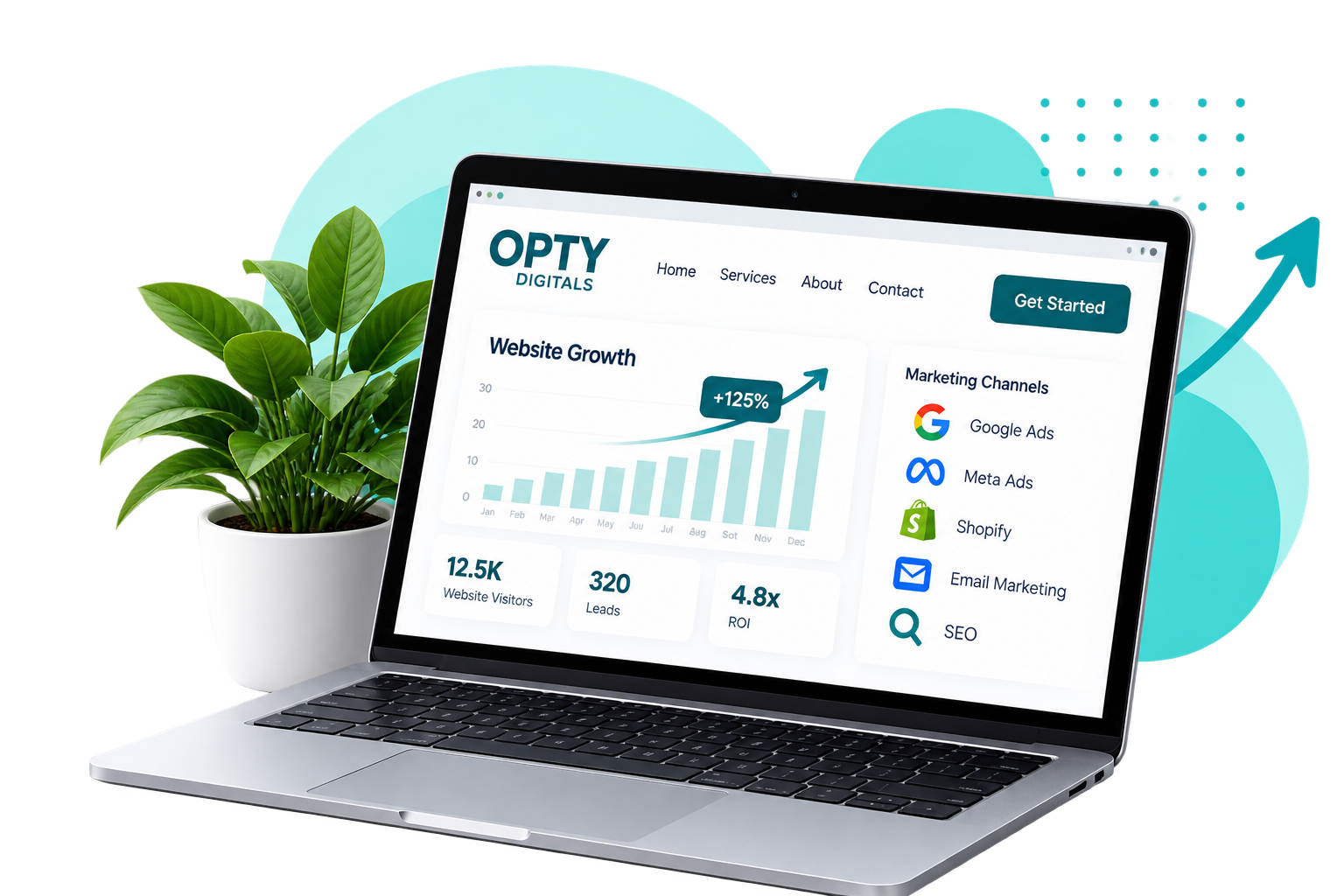
What is the difference between attributed revenue and actual revenue?

A small business website in the UK typically costs between £500 and £5,000 to build. A simple brochure site of five to ten pages sits around £1,000 to £2,500. A custom design or ecommerce build runs £3,500 upwards. Ongoing costs are separate: hosting, maintenance and SEO are usually charged monthly. What you're actually paying for Most of the cost is time, not software. Web designers posting their own rates on UK business forums put it around £50 an hour. A straightforward brochure site is roughly eighteen to twenty-five hours once you include the conversation at the start, the build, the content, and the fixing afterwards. That's where £1,000 to £1,250 comes from. One designer put his standard rate at "£1000 which includes pages, basic seo and other generic demands". Another said he could "set up a site for under £500 and still make decent profit". A third, quoting for a custom-built theme, said "Last time I built a custom theme my fee was nearly £5k". All three are describing real work. They're describing different amounts of it. Why the quotes you get vary so much Three things move the number more than anything else: whether the design is custom or a template, whether you're writing the content or the agency is, and whether anything needs to be built rather than configured - a booking system, a payment flow, a members' area. A £400 quote and a £4,000 quote are usually not the same job. Ask each one what's actually included rather than comparing the totals. The cheap end, honestly You can get a site built for £200 on a freelance marketplace, and some of those are fine. The risk is in what happens next. One UK business owner described paying for a redesign through a freelancer and then "the website went down". Another found the designer had registered the domain in his own name. If you go that route, get the domain in your name first and keep your own logins. The ongoing costs nobody mentions in the quote The build is one number. Running it is another. UK rates posted by agencies in late 2024 put WordPress maintenance from around £100 a month, SEO from £300, and paid ads management from £400. Hosting and a domain are small by comparison - tens of pounds a year, not hundreds. Ask for the monthly figure at the same time as the build figure. A cheap build with an expensive tie-in is a common shape, and it's the one people regret. What to ask before you pay a deposit Who will own the domain. What happens if you want to leave. Whether you can edit the text yourself afterwards. Whether the quote is fixed or an estimate. Get the answers in writing - a real quote should survive being printed out.
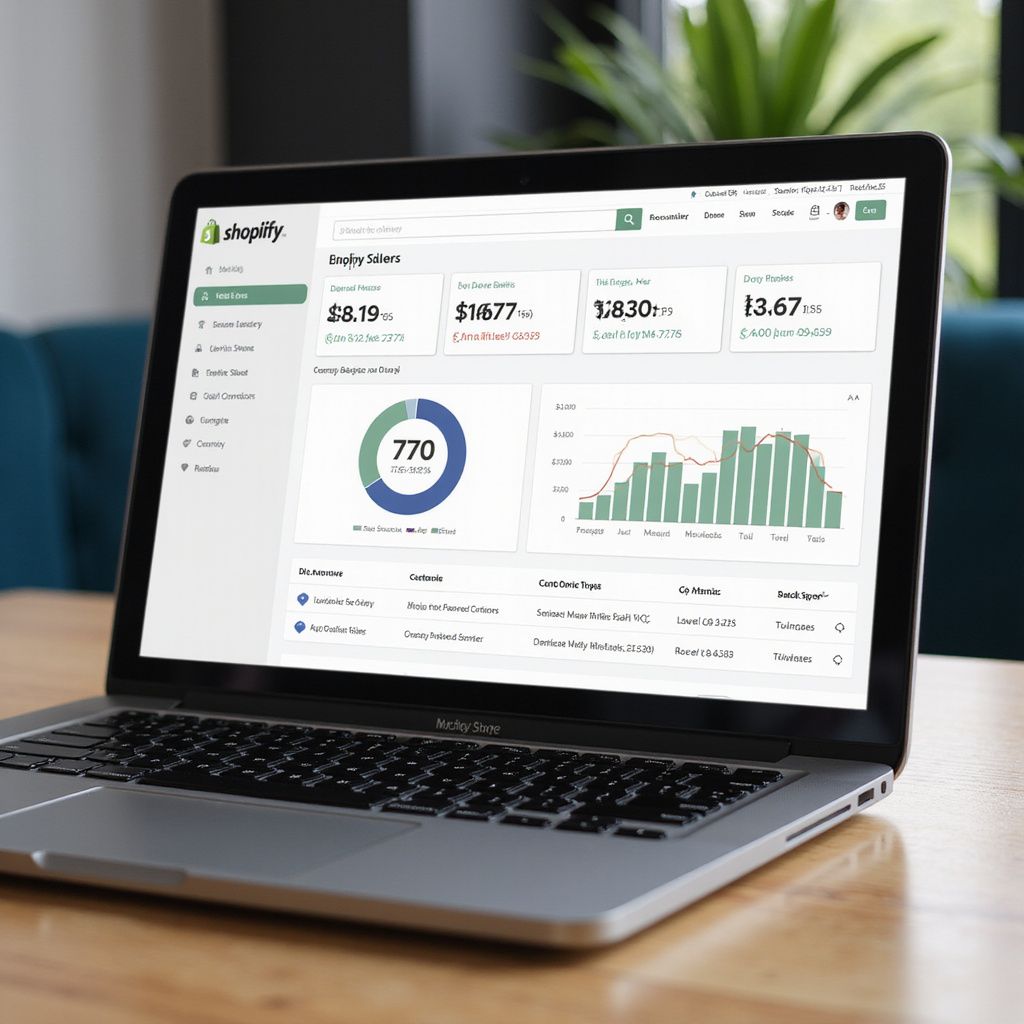
Meta Ads, Shopify and Google Analytics 4 can all show different sales figures because they measure different things and use different attribution methods. Shopify records the orders that actually happened in your store. Meta tries to determine which sales were influenced by your Facebook and Instagram ads, while GA4 attributes purchases according to its own tracking and attribution rules.